Watch it in action
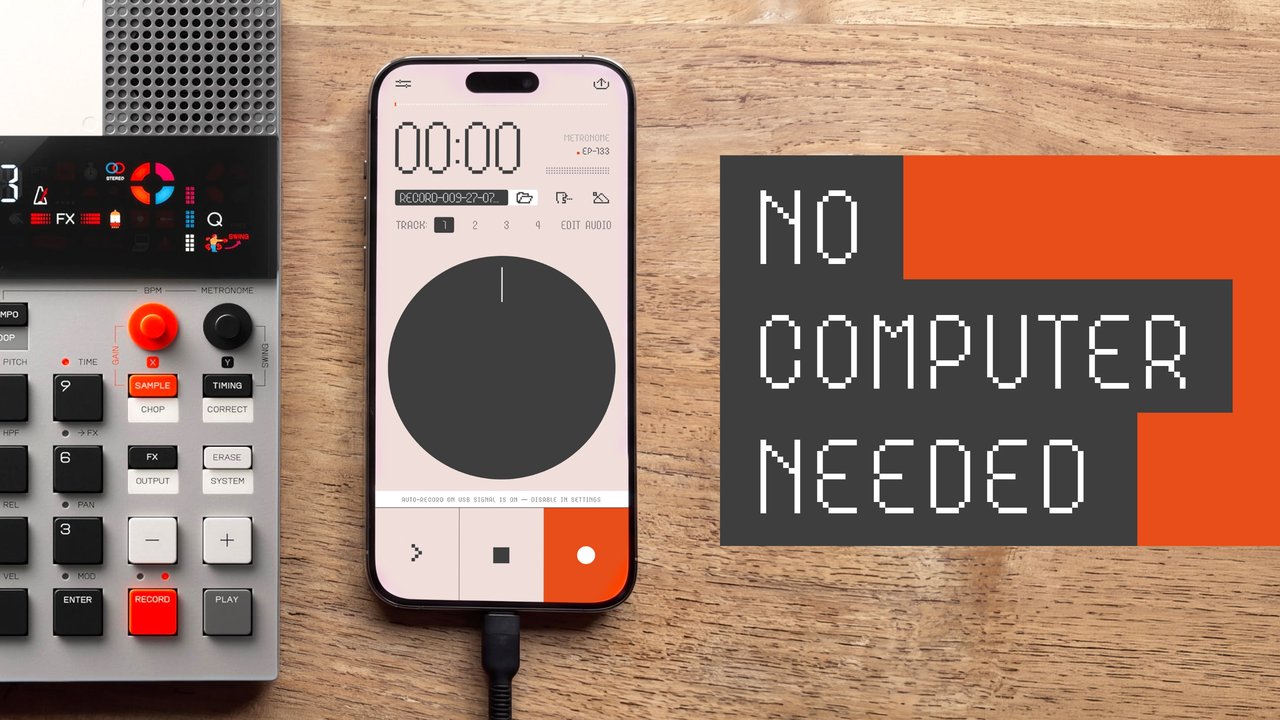
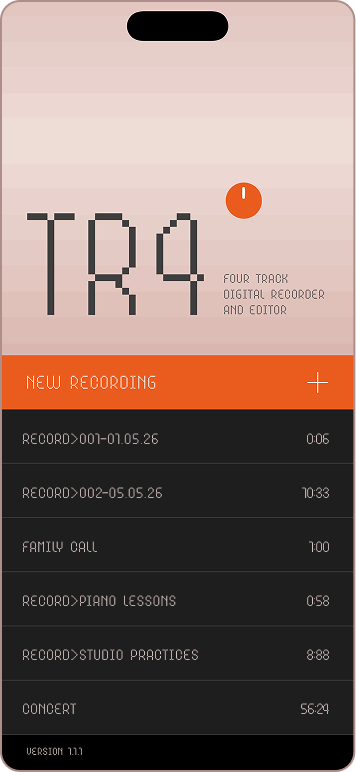
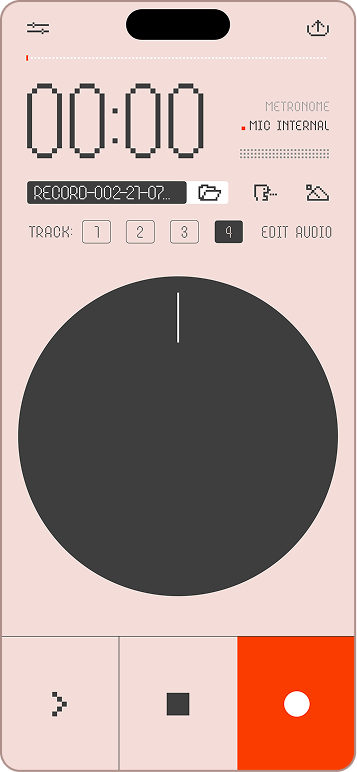
A tape machine for iPhone and iPad. Spin the disc, scrub the tape, overdub four tracks — and let your gear drive the recording over USB.
Free on the App Store · for iPhone and iPad
Plug in a groovebox, a synth or a drum machine over USB, and TR4 recognizes the device, captures true stereo, and arms itself. Press play on it and recording starts on the exact downbeat. Press stop and the take ends, rewinds and re-arms for the next pass. Four tracks, one pass at a time: on an EP-133 K.O. II, that's groups A to D. On devices that send more than two channels, all four tracks record at once, each on its own channel or stereo pair. Multichannel recording is in early support.
On an EP-133 K.O. II, turn on MIDI clock out first. Press SHIFT + ERASE, go to MID → CLK and set it to OUT. That is what makes the device announce play and stop, so TR4 starts and ends the take on the exact beat. Without it TR4 still works — it listens for the audio signal instead.
Still says MIC INTERNAL? When TR4 sees the device, that line changes to EP-133. If it does not, update the K.O. II to the latest firmware — that has fixed it for people. Also make sure the cable carries data and not only power, and that the K.O. II runs on its own power rather than the phone's. You need a USB-C iPhone or iPad; a Lightning model needs Apple's Lightning to USB 3 Camera Adapter.
Hearing nothing on playback? iOS treats a USB device as one input and output pair, so while the device is plugged in the sound goes out to it — and most instruments will not play it back. Bluetooth headphones solve this: TR4 keeps recording from the device and you hear the playback in your ears. You can also just unplug the cable to listen on the phone. Recording is never affected either way.
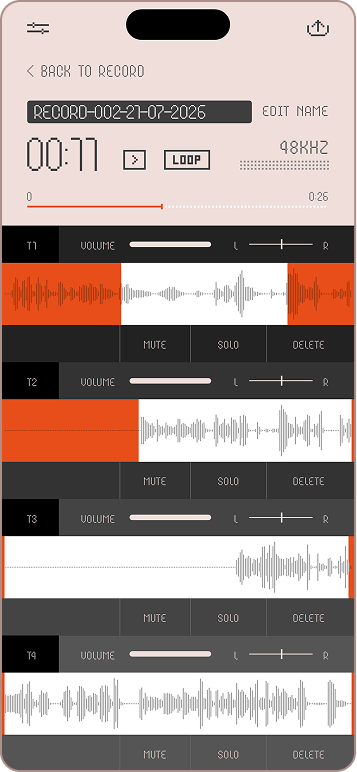
iPhone and iPad — on iPad the four tracks and their waveforms share one page, in portrait or landscape, with per-track controls in each row and the same disc in the transport.
A disc with real physics — drag to scrub with varispeed — even in reverse. Flick it and it spins down like real hardware.
Four-track overdub — record a track while the others play. Twenty minutes per tape. Mute, solo, volume, pan and non-destructive crop per track.
USB stereo in — class-compliant devices record in true stereo at 48 kHz, 32-bit float.
Auto-record on USB signal — threshold-armed with noise calibration. Your hardware starts and stops the tape.
MIDI — follows transport from any device that sends it, maps play, stop and record to a pad or footswitch, and shows a live monitor of everything your gear sends.
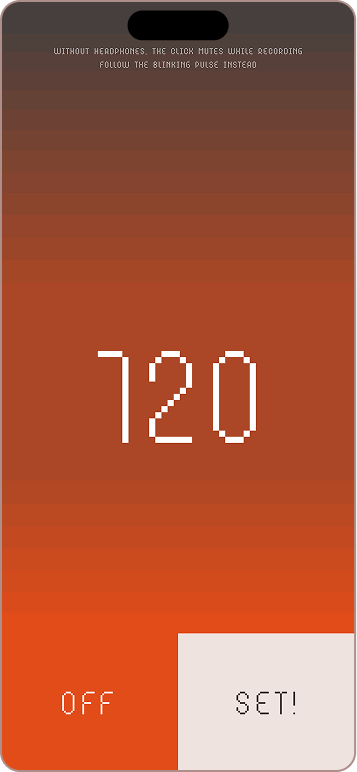
Metronome with count-in — 3-2-1 count-in, and a visual beat — screen pulses on the grid when the click would leak into the mic.
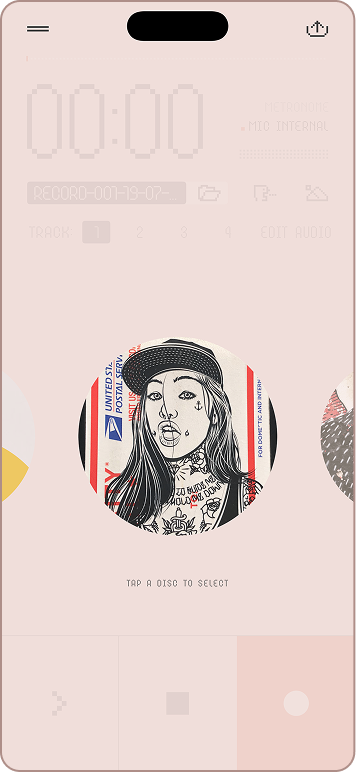
Disc skins — hold the disc to swap its look. A full collection of designs, from vinyl to street art.
Export anywhere — mix or separate stems, as WAV, AIFF or M4A — straight to the share sheet.
Auto-save — every take is saved as raw audio plus edits. Reopen projects from the recents list.
Transcription — turn voice takes into text in your language — on device whenever it is supported.
Free on the App Store · for iPhone and iPad